
Insights · SEO and AI search
- Rated 5.0 on Google by our clients
- Zak Single Founder, Zed Studio
- 5 minute read SEO and AI search
Ask every happy customer at the moment they’re happiest, make it one tap, and reply to every review. Then put the reviews to work on your website.
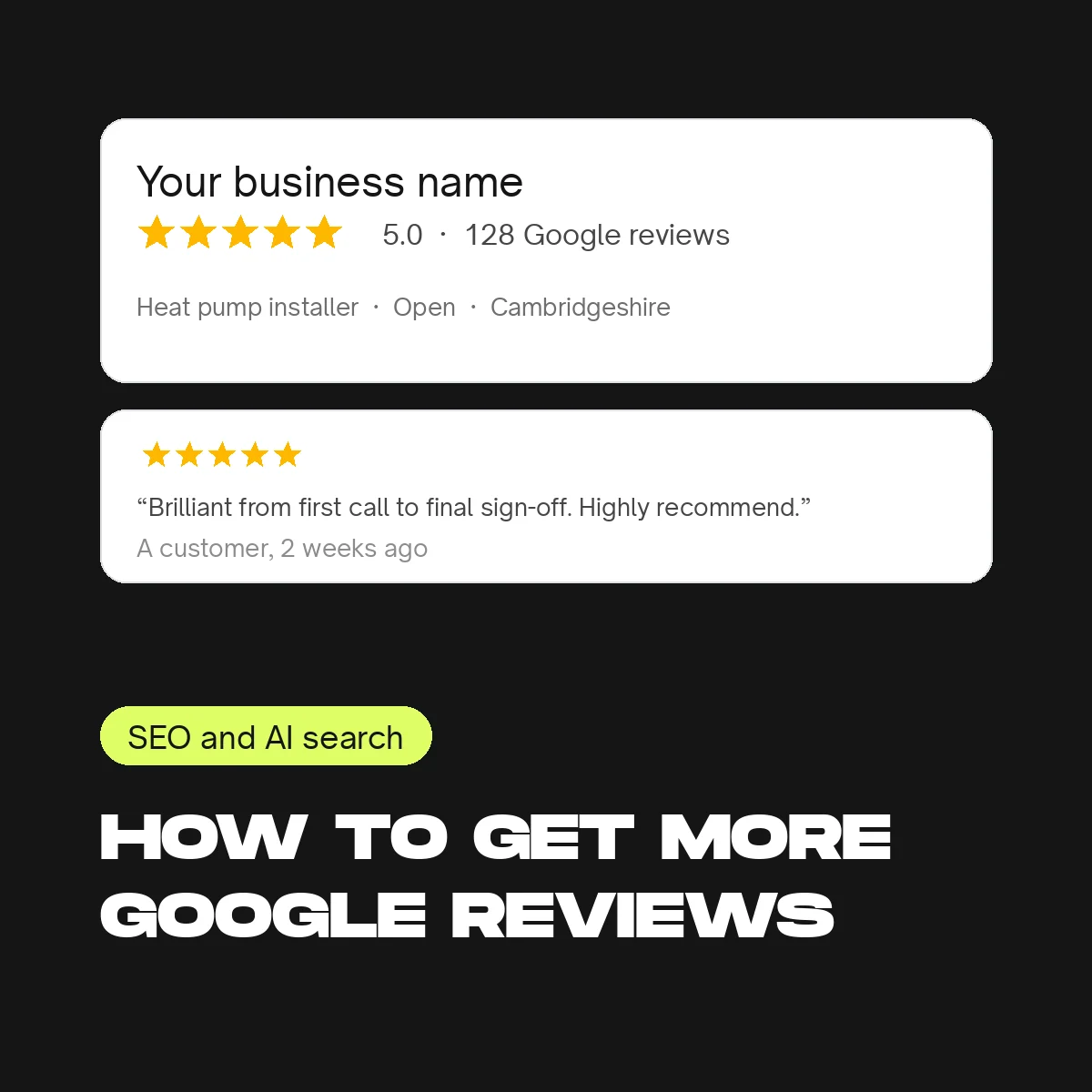
Reviews have always decided who gets the phone call. Now they also decide who gets recommended by ChatGPT and Google’s AI, which look at your rating, how recent your reviews are and what they say when they suggest a business. We’re rated 5.0 on Google ourselves, and it comes from a system, not luck.
Why reviews matter more than they used to
- Google’s local results favour businesses with more reviews, recent reviews and replies
- AI assistants quote ratings and review themes when they recommend a business
- Buyers read reviews before they read anything else on your website
1. Get your review link
In your Google Business Profile, choose “Ask for reviews” to get a short link that opens the review box directly. Make a QR code of it for your van, your invoices and your counter.
2. Ask at the right moment
The best time is the moment the customer is happiest: the job finished and tidy, the delivery landed, the problem solved. Ask in person, then follow up with a text or email that includes the link. Waiting until the invoice is paid is usually too late.
3. Make it one tap
A message that works: “Thanks for choosing us. If you were happy with the job, a quick Google review would mean a lot, it takes about a minute: [link].” No forms, no sign-ups, no asking for a 5-star rating specifically.
4. Automate the ask
A simple CRM sends the request automatically when a job is marked complete, and a gentle reminder a few days later. That turns a good intention into a steady flow of reviews every month, which is what Google and the AI tools reward.
5. Reply to every review, within a couple of days
A short, specific reply that mentions the job: “Thanks Sarah, glad the new boiler’s keeping you warm.” It shows prospects you’re attentive, and it adds natural detail about what you do.
6. Handle a bad review properly
Reply calmly, acknowledge the problem, take it offline to fix it, and ask the customer to update their review once it’s sorted. A well-handled bad review often does more for trust than ten good ones.
7. Put reviews to work on your website
Show your rating and recent reviews on the pages where people decide: service pages, quote pages and your homepage. Reviews near a form lift conversions, and they give the AI tools the same proof in your own words.
What not to do
Don’t buy reviews, write them yourself, or offer incentives, and don’t filter unhappy customers away from the link. Google removes reviews it suspects, and since April 2025 fake or incentivised reviews are illegal in the UK under the Digital Markets, Competition and Consumers Act.
Common questions
How many reviews do I need? More than the businesses you’re competing with, and more recent. A steady few a month beats a burst once a year.
Can I ask every customer? Yes, as long as you ask everyone, not just the happy ones, and don’t reward the review.
Do reviews help with ChatGPT? Yes. When people ask AI tools for a recommendation, rating and review themes are part of how they choose who to name.
We set up the automated ask as part of our CRM and automation work. Or get a free Growth Audit and we’ll show you where your reviews stand against your competitors.
Get in touch
Let’s talk about what you need.
Tell us a little about where you are and where you’d like to be, and we’ll come back to you with honest next steps.
- You tell us what you need
- We come back to you with honest next steps
- If we’re a good fit, we book in a free Discovery Call
Or call 01480 782231 or email [email protected]
Ready to talk now? Book a Discovery Call